TeamCity CLI

TeamCity CLI (teamcity) is a command-line interface for TeamCity. Start builds, tail logs, manage agents and queues — without leaving your terminal.
The project is open source on GitHub under the Apache-2.0 license.
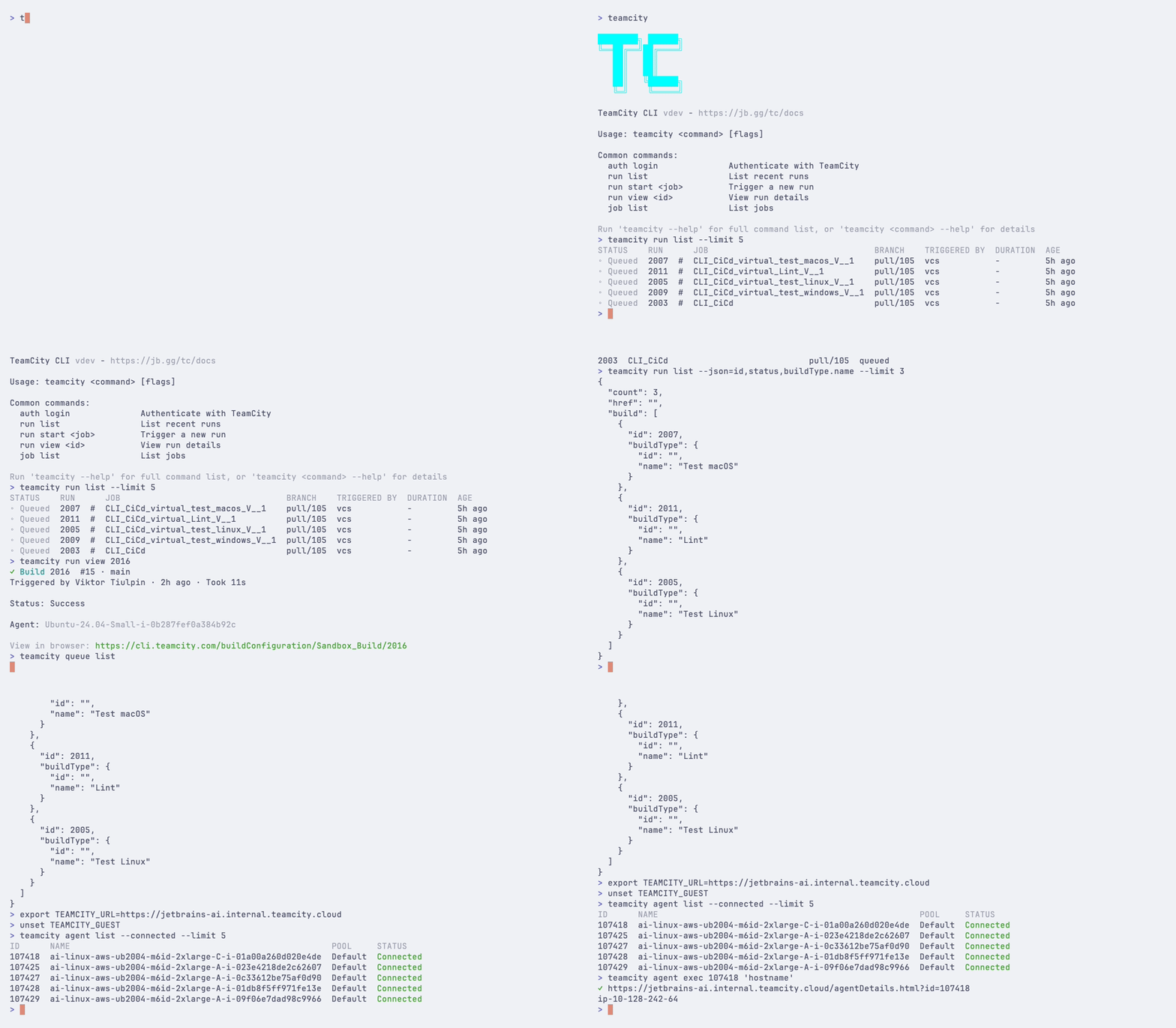
Features
Stay in your terminal — Start builds, view logs, manage queues — no browser needed
Remote agent access — Shell into any build agent with
teamcity agent term, or run commands withteamcity agent execReal-time logs — Stream build output as it happens with
teamcity run watch --logsScriptable —
--jsonand--plainoutput for pipelines, plus direct REST API access viateamcity apiMulti-server support — Authenticate with and switch between multiple TeamCity instances
AI agent ready — Built-in skill for Claude Code, Cursor, and other AI coding agents — just run
teamcity skill install
Installing TeamCity CLI
Homebrew (recommended):
Install script:
Winget (recommended):
PowerShell (install script):
For other methods (Scoop, Chocolatey, deb/rpm packages, building from source), see the getting started guide.
Quick start
For a full walkthrough, see Getting started with TeamCity CLI.
What you can do
Topic | Description |
|---|---|
Install, authenticate, and run your first commands | |
Token storage, guest access, multi-server setup, and CI/CD usage | |
Configuration file, environment variables, and shell completion | |
Start, monitor, and manage builds | |
View and configure build configurations | |
Browse projects, manage parameters and versioned settings | |
Inspect queued builds, control priority, and approve builds | |
Monitor, control, and access build agents remotely | |
Assign projects and agents to pools | |
Make authenticated API requests from the command line | |
Create custom command shortcuts | |
JSON output, plain text mode, and CI/CD integration | |
Quick reference for all available commands and flags | |
Install the TeamCity skill for AI coding agents |