AI Agent Integration
TeamCity CLI includes a built-in skill that teaches AI coding agents how to use teamcity commands for common TeamCity workflows. The skill follows the Agent Skills specification, so it works with any compatible agent (for example, Claude Code, Cursor, and others).
Installing the skill
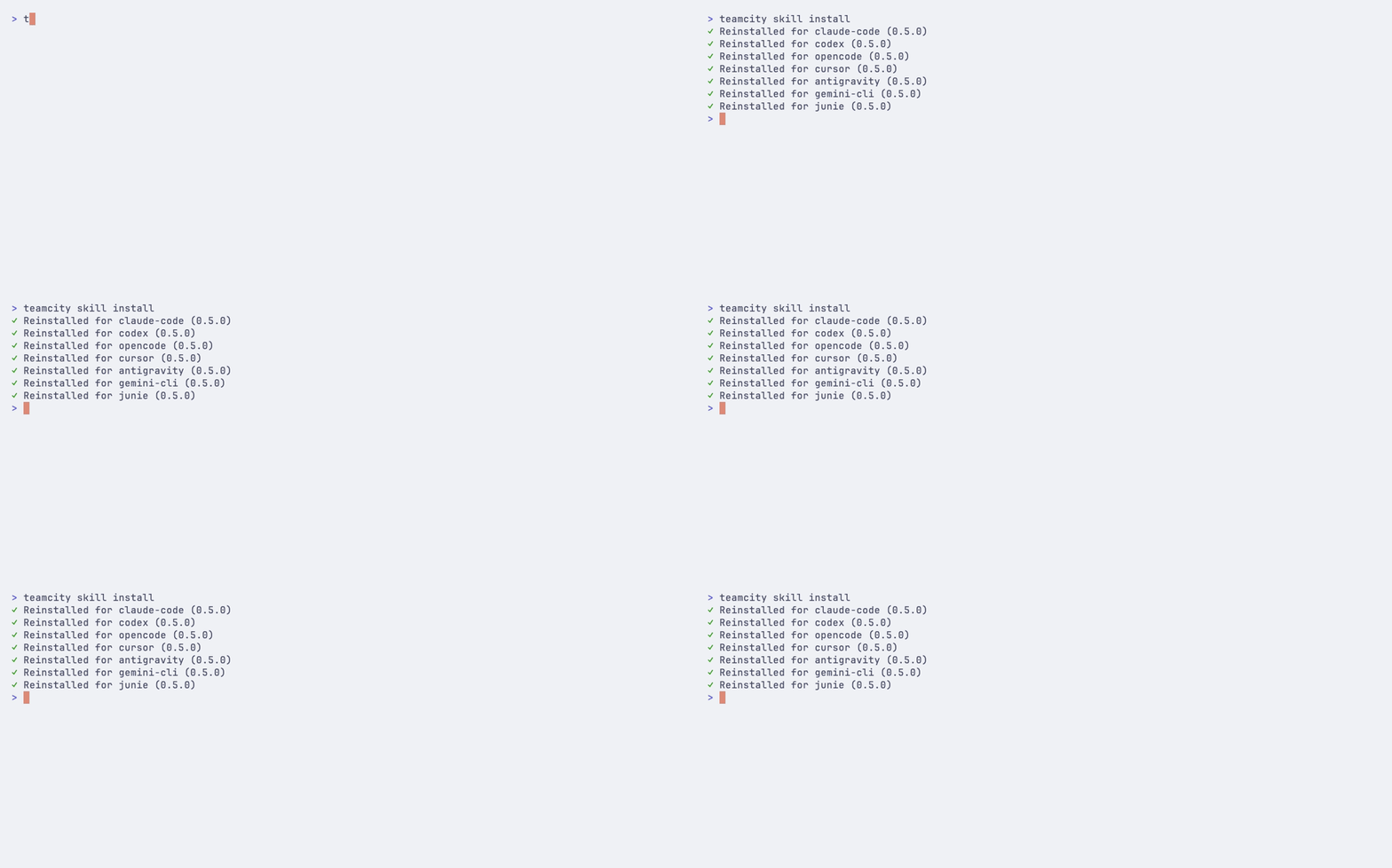
Install the skill for all detected AI agents:
The command auto-detects which AI coding agents are installed on your system and configures the skill for each one. If your agent is not auto-detected, pass --agent to target it explicitly.
Install for specific agents
Target one or more specific agents:
Project-level installation
Install the skill for the current project only, rather than globally:
Updating the skill
Update the skill to the latest version bundled with your current teamcity release:
The command skips the update if the installed version already matches the bundled version.
Target specific agents or install at the project level:
Removing the skill
Remove the skill from AI coding agents:
Target specific agents or remove from the project level:
skill flags
These flags are shared across skill install, skill update, and skill remove:
Flag | Description |
|---|---|
| Target agent(s). Can be repeated. Auto-detects installed agents if omitted. |
| Install to the current project instead of globally |
Read-only mode for AI agents
When giving AI agents access to TeamCity, you may want to prevent them from triggering builds, canceling runs, or modifying configuration. Set TEAMCITY_RO=1 to restrict the CLI to read-only operations:
In read-only mode, the agent can list builds, view logs, inspect failures, and query the API, but any command that would modify data is blocked. You can also set ro: true per server in the configuration file.
Alternative installation for Claude Code
If you use Claude Code, you can also install the TeamCity skill directly through the plugin system: